

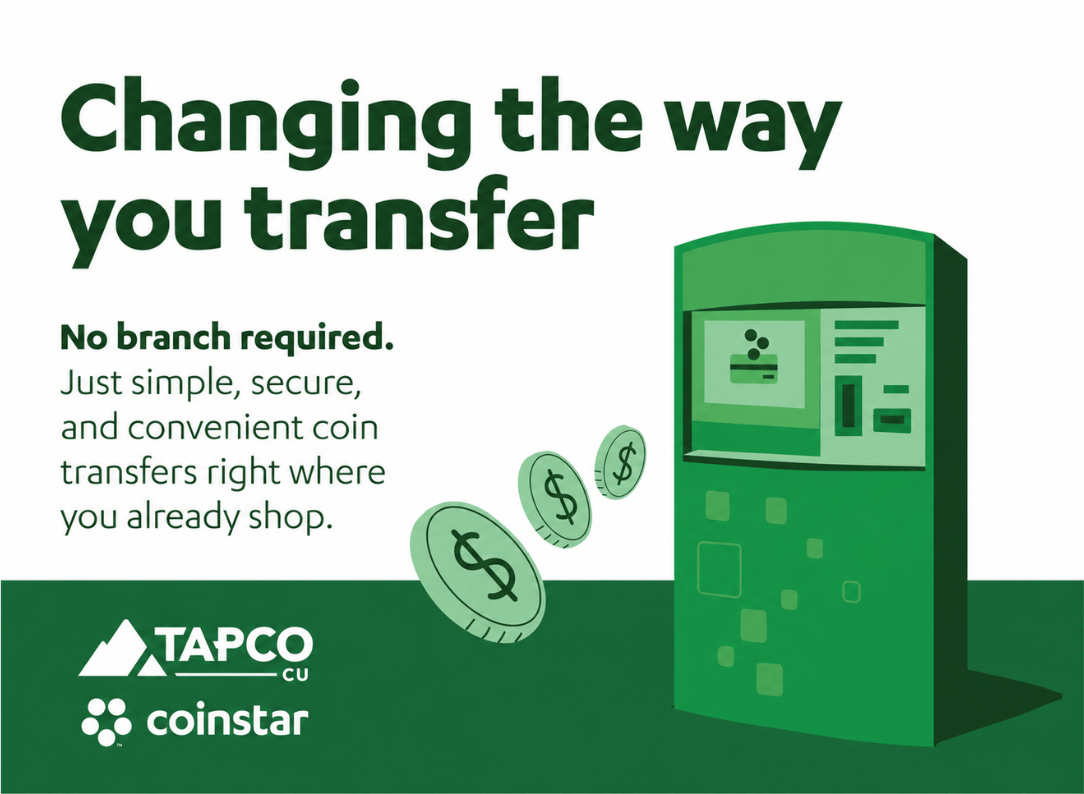
Coin Transfers Made Easier with Coinstar
Coin Transfers Made Easier with Coinstar
Transfer your spare change at 10,000+ locations nationwide right into your TAPCO account!
Add "transfer coins" to your shopping list
Transfer spare change directly into your TAPCO checking account at a participating Coinstar® kiosk. With kiosks in grocery stores and other retail locations nationwide, you can transfer coins while you shop.
How to transfer your coins
Visit a participating Coinstar kiosk and bring your TAPCO debit card.
Step 1
Insert your card
Insert your TAPCO debit card.
Step 2
Pour in your coins
Accept the terms and conditions, then pour in your coins.
Step 3
Collect your receipt
Grab your receipt and get on with your day.

Know before you go
Processing fee: A 5% processing fee applies to this service.
Funds availability: Funds are typically available in your TAPCO checking account right away.
Service is available at participating Coinstar kiosks.
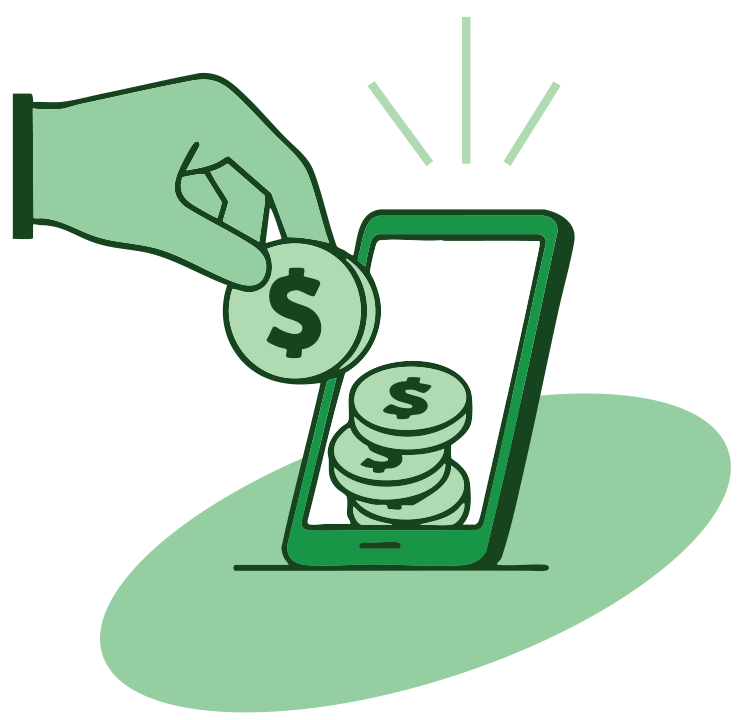
Bring your TAPCO debit card and your coins to a participating Coinstar kiosk. Insert your card, accept the terms and conditions, pour in your coins, and collect your receipt.
This service is available at participating Coinstar kiosks. Use the Coinstar Transfer to Account locator to find a participating location near you.
Yes. A 5% processing fee applies to this service.
Funds are typically available in your TAPCO checking account right away.
A 5% processing fee applies. Available at participating Coinstar kiosks. Coinstar is not a bank. Transfer to Account Services are offered by Evolve Bank & Trust, member FDIC, through Coinstar as a service provider of Evolve Bank & Trust on Coinstar Kiosks