Email Phishing Scams: How to Spot Them and Protect Your Information
Email phishing scams are designed to look legitimate while attempting to steal personal and financial information. Learn how to recognize common red flags, avoid fraudulent messages, and take simple steps to protect yourself online.
- February 2, 2026
- 3 mins
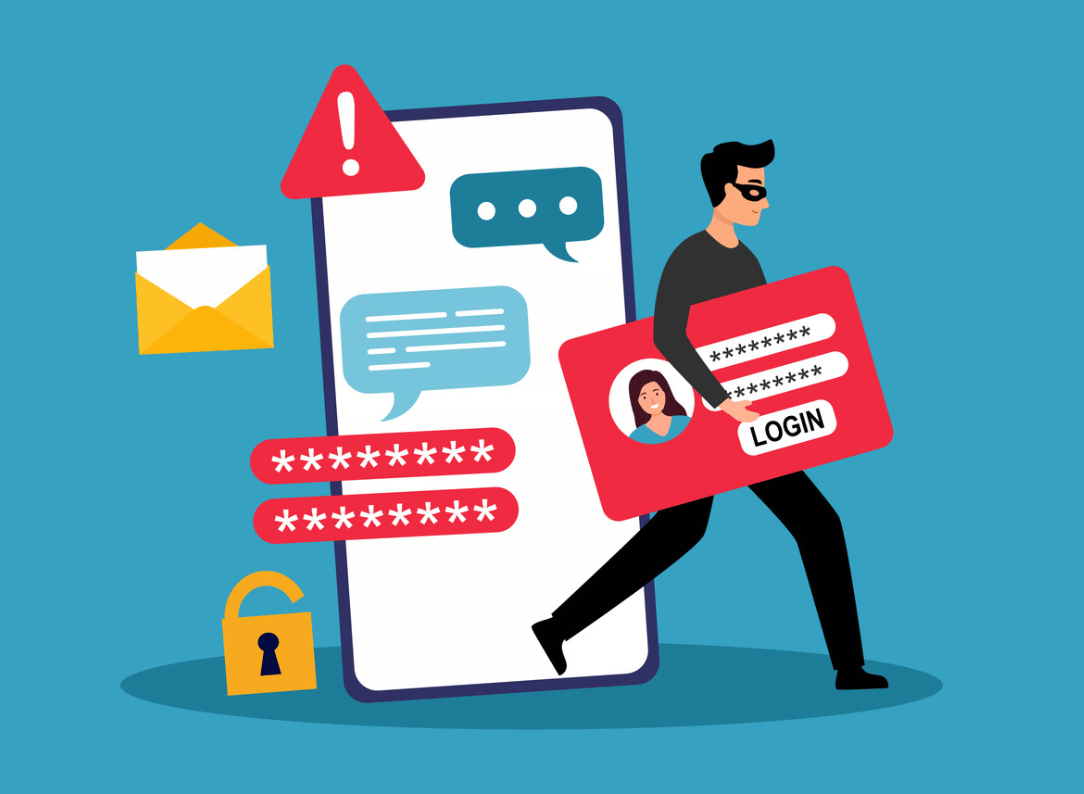
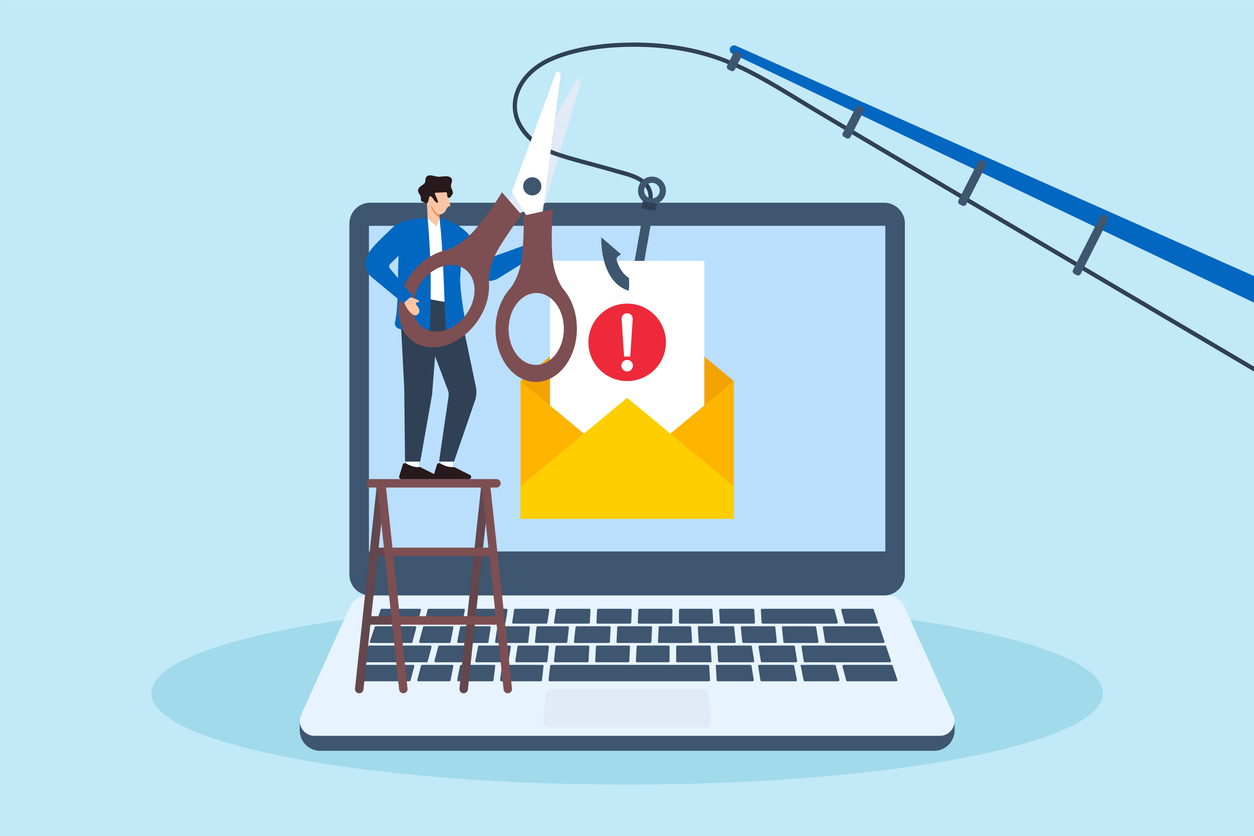
Email phishing scams are one of the most common ways fraudsters try to access personal and financial information. These messages are designed to look legitimate, often pretending to come from a credit union, retailer, or trusted service. Their goal is simple: get you to click a link, download an attachment, or share sensitive information.
Understanding how phishing works and knowing what to watch for can help you protect yourself and your accounts.
What is an email phishing scam?
A phishing email is a fraudulent message that attempts to trick you into revealing information such as online banking credentials, Social Security numbers, or card details. These emails may appear urgent, warning of suspicious activity, locked accounts, or missed payments. Others may look routine, like a notice to verify your account or review a recent transaction.
Scammers often use logos, branding, and language that closely resemble real organizations. Some messages may even include your name or partial information gathered from public sources.
Common red flags to watch for
Phishing emails often share similar warning signs. Being familiar with these can help you pause before taking action.
- Urgent or threatening language: Messages that pressure you to act immediately, such as claiming your account will be closed or funds frozen, are a common tactic.
- Unexpected requests for personal information: Legitimate financial institutions do not ask for full account numbers, passwords, or one-time codes by email.
- Suspicious links or attachments: Hovering over a link may reveal a web address that does not match the organization’s official website. Attachments you were not expecting should never be opened.
- Generic greetings: Emails that start with “Dear Member” instead of your name can be a sign of a mass phishing attempt.
- Slight spelling or formatting issues: While not always present, odd wording, typos, or inconsistent branding can indicate fraud.
What to do if you receive a suspicious email
If you receive an email that does not feel right, do not click any links or download attachments. Instead, take a moment to verify the message.
Go directly to the organization’s website by typing the address into your browser rather than using a link from the email.
Contact the organization using a phone number or contact method you trust, not the one provided in the message.
Delete the email once you are sure it is fraudulent.
If you believe you may have clicked a link or shared information, act quickly. Change your passwords and contact your credit union or financial institution right away so they can help secure your account.
Protecting yourself going forward
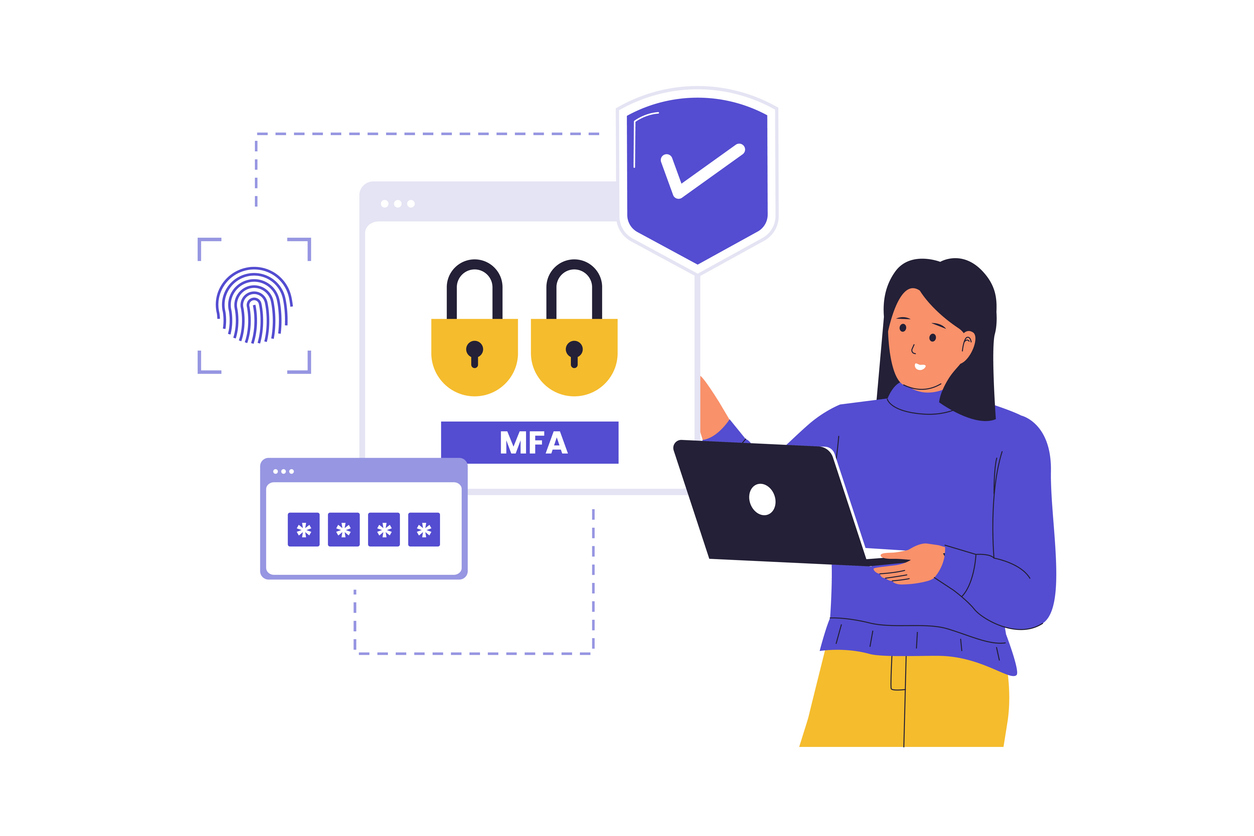
Staying informed is one of the best defenses against phishing scams. Keeping your devices updated, using strong and unique passwords, and enabling additional security features like multi-factor authentication in Online Banking can all help reduce risk.
Federal consumer guidance, including resources from the Consumer Financial Protection Bureau, consistently emphasizes slowing down and verifying before responding to unexpected financial messages.
Stay aware of your account activity by enrolling in eStatements and using the free credit score tools in TAPCO’s Online Banking to monitor your credit and review unfamiliar accounts.
If you ever have questions about a message claiming to be from TAPCO, it is always okay to reach out directly. Taking a few extra minutes to confirm can make a meaningful difference in protecting your information.